Creating a workspace at home that balances productivity and comfort is essential for anyone working remotely or spending time on projects. A relaxing environment can help reduce stress, improve focus, and make your workday more enjoyable. Here are some practical tips to design a home workspace that supports both efficiency and well-being.
Choose the Right Location
Consider Natural Light
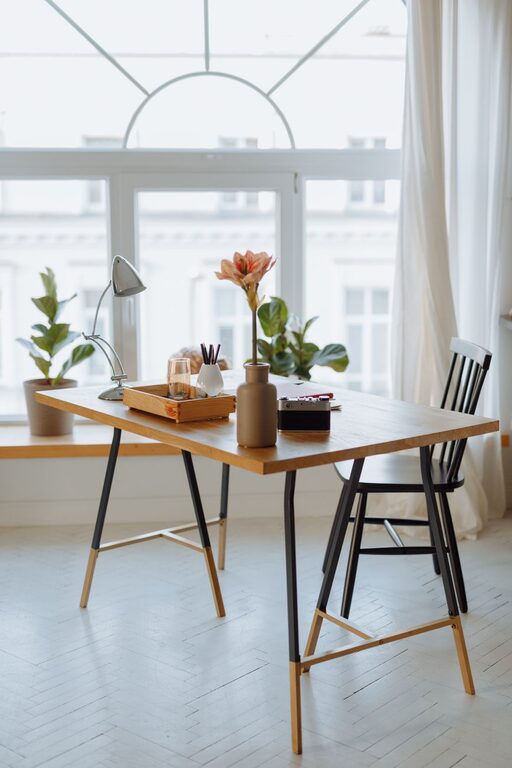
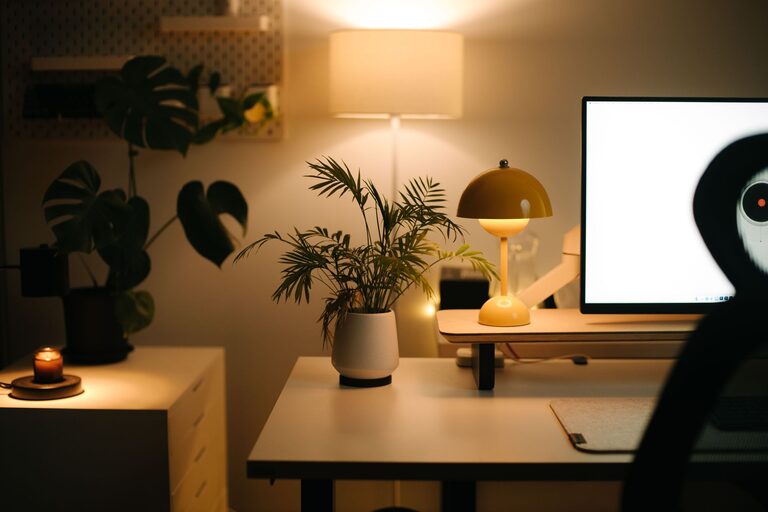
A workspace with plenty of natural light can boost your mood and energy levels. Try to set up your desk near a window, but avoid direct glare on your screen. If natural light isn’t an option, invest in soft, adjustable lighting to keep the area bright without causing eye strain.
Minimize Distractions
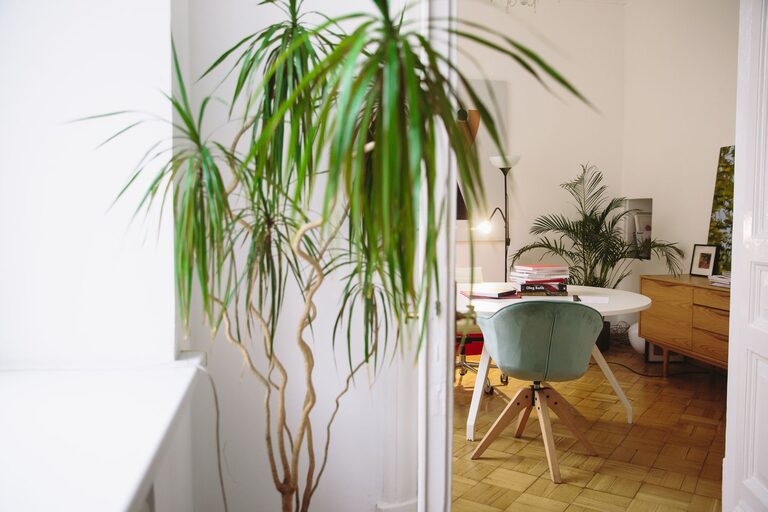
Select a quiet part of your home where you’re less likely to be interrupted. A separate room or a corner with a door can help create a clear boundary between work and leisure, making it easier to focus.
Invest in Ergonomic Furniture
Comfortable Chair
Support your back with a good ergonomic chair that allows you to sit properly for long periods. Adjustable height and lumbar support are important features to consider.
Functional Desk
Choose a desk with enough surface area for your computer, documents, and other essentials. If possible, consider a sit-stand desk to alternate between sitting and standing throughout the day.
Personalize Your Space
Add Plants
Indoor plants not only improve air quality but also bring a sense of calm and connection to nature. Low-maintenance plants like succulents or spider plants are great options.
Use Calming Colors
Choose paint colors or desk accessories in soft, soothing tones like light blues, greens, or neutral shades that promote relaxation and focus.
Incorporate Personal Items
Display a few meaningful objects such as photos or art that inspire and motivate you, but be careful not to clutter your workspace.
Stay Organized
Declutter Regularly
A tidy workspace reduces distractions and helps you stay focused. Keep only the essentials on your desk and use storage solutions like drawers, shelves, or boxes to organize paperwork and supplies.
Use Task Management Tools
Digital apps or simple planners can help you keep track of deadlines and priorities, making your workflow smoother and less stressful.
Control Noise and Sound
Use Noise-Canceling Headphones
If your environment is noisy, noise-canceling headphones can help you concentrate.
Background Music or White Noise
Some people find that soft background music or white noise can improve focus and block out distractions.
Maintain Comfort
Temperature and Ventilation
Keep your workspace at a comfortable temperature with proper ventilation. Avoid extreme hot or cold settings that can distract you.
Take Breaks
Incorporate short breaks into your work routine to stretch, move around, or simply relax your eyes. This helps maintain comfort and productivity over time.
Optimize Technology Setup
Position Your Screen Properly
Your monitor should be at eye level and about an arm’s length away. This setup helps prevent neck and eye strain.
Use Quality Accessories
A good keyboard and mouse designed for comfort can reduce fatigue and improve your work experience.
Create a Routine
Establishing a daily schedule can help your mind switch into work mode more easily. Set regular start and end times, and include rituals like a morning coffee or a brief meditation to center yourself.
—
Designing a relaxing home workspace takes thought and care, but the benefits are well worth it. By choosing a good location, investing in ergonomic furniture, personalizing your area, and keeping things organized, you can create a comfortable environment that supports productivity and well-being. Remember, your workspace should work for you—feel free to adjust it as your needs evolve.